




If you’re running social media for a local business, agency, or brand with multiple locations, throwing generic ads at everyone is like... well, throwing money into a black hole.
That’s where geotargeting comes in. It’s basically about getting your message in front of the right people, in the right spot, at the right time.
This guide breaks down exactly how to set up a geo-targeted campaign from square one. We’re covering all of it: picking your locations, mixing in demographics or interests, creating content that actually resonates locally, launching campaigns, and tracking what’s working where.
Why Use Geo-Targeted Campaigns
Geotargeting is just a fancy way of saying you’re showing your content or ads to people based on where they actually are. Platforms figure out location through stuff like IP addresses, GPS, Wi-Fi, and other digital breadcrumbs we all leave behind.
With geotargeting, you’re being selective and that selectiveness pays off. Here’s why geo-targeted campaigns actually work:
Better Relevance and Engagement
When you target by location, you can reference stuff people in that area actually know. Local spots, neighborhood names, or even the way people talk. Marketing folks have found that when you throw in local references and cultural stuff people recognize, your ads perform way better.
Improved ROI and Efficient Ad Spend
Why pay to show ads to someone in Seattle when your restaurant is in Los Angeles and they’re never gonna visit? Geotargeting keeps your ads in front of people who can actually do something about it.
Driving Foot Traffic, Local Conversions, and Store Visits
For any business with a physical location, geo-targeted campaigns can get people through the door. When you’re targeting people who live nearby or are currently in the area, you’re way more likely to turn an ad view into an actual visit.
Competitive Advantage for Local Businesses
Most businesses are still doing the broad targeting thing, casting wide nets and hoping for the best. When you go hyper-local with your targeting, you stand out. You become the spot in your neighborhood. You build actual recognition in specific communities instead of getting lost in the noise.
Platforms and Channels That Support Geotargeting
If you’re already using social media tools to manage your accounts, good news! Most of the platforms you’re on have geotargeting baked right in. Here’s the rundown on where you can use it and how.
Social Media Ads
Pretty much every major social platform lets you target ads by location. You can pick specific cities, ZIP codes, or even draw a circle around your actual store location.
Facebook/Instagram are probably the easiest to work with. You can run “local awareness” or “store traffic” campaigns and get super specific. Just pick your city, set a radius, then layer on age, and interests. It’s all right there in the ad setup.
TikTok and LinkedIn also have location targeting. LinkedIn’s clutch if you need to reach professionals in a particular area.
Some platforms let you geotag organic posts too. When you tag a location on an Instagram post or Story. That helps locals find you when they’re browsing that spot.
The best part? You don’t need fancy tech or a huge budget. This is built right into the platforms.
Search and PPC
Beyond social, geotargeting is massive in search ads. Google Ads lets you set up campaigns that only show to people in specific places like countries, cities, ZIP codes, or that radius-around-your-shop thing again.
For local businesses or service providers, this beats the hell out of running nationwide campaigns. You’re catching people right when they’re searching for what you offer in your area. They’re already looking; you just need to show up.
Website Content and Local SEO
Geotargeting isn’t just for ads. You can use it on your actual website too. A lot of sites detect where visitors are coming from (through IP address or browser settings) and automatically show them relevant stuff.
This makes for a way better user experience and ups your chances of converting visitors into customers.
Pre-Campaign Planning

Before you start messing around in ad managers, you need to do the homework. A solid plan upfront is what separates campaigns that crush it from ones that just burn cash.
Analyze Your Existing Customer Base
Start with the data you already have. Dig into your CRM, website analytics, social insights, whatever tracking you’ve got and see where your current customers are coming from. Which cities? Which neighborhoods? Which ZIP codes are sending you the most business?
That’s your starting point. That’s where you double down.
If you’re managing multiple locations or a franchise, compare how each spot is doing. You might find some areas are killing it while others are basically ghost towns. Those underperforming zones? Could be perfect for targeted ads.
Do Some Real Market Research
Knowing where people are is just the beginning. You need to understand who they are and what makes them tick. What are the demographics? What do they care about? How do they talk? What are their spending habits?
Someone working in a business district might jump on an after-work happy hour deal. Families in residential neighborhoods? They’re probably more into weekend specials or kid-friendly stuff.
Pay attention to local culture, language, and even dialects. If people in your area use certain slang or references, use that. Mention local landmarks, neighborhood names, the stuff people actually recognize. That familiarity builds trust way faster than some generic corporate-speak.
Decide How Tight You Want Your Targeting
How specific do you want to get with location? It depends on what you’re selling and what you’re trying to accomplish:
Broad: Country → region → city. Works if you’re covering a wide service area.
Mid-level: Target specific cities or a handful of cities. Good for regional campaigns.
Tight: ZIP codes, neighborhoods, or a radius around your physical store. Perfect for hyper-local stuff — cafés, shops, clinics, service businesses.
If you’ve got multiple branches, create custom location lists for each one. That way you can roll out the same campaign structure but tweak it for each location without starting from scratch every time.
Geotargeting Campaign Setup
Alright, planning’s done. Now it’s time to actually build the thing.
Choose Target Areas in Ad Manager
Head into whatever platform you’re using and plug in the locations you mapped out earlier. Most platforms let you:
Select cities, regions, or whole countries
Add ZIP codes or postal code ranges
Draw custom circles around specific addresses
If you’ve got multiple store locations, make separate ad sets for each one. It’s more work upfront, but it gives you way better control and cleaner data. No confusion about which location is performing, no overlapping audiences messing up your metrics.
Set Up Exclusions
If there are places you don’t serve, maybe outside your delivery zone, or neighborhoods that just never convert, exclude them. Don’t pay to show ads to people who can’t or won’t buy from you.
For multi-location campaigns, this also stops you from accidentally showing the same person ads for two different branches.
Campaign Execution and Launch
Source: vector4stock via Freepik
You’ve got your targeting locked in, your creatives ready, and your landing pages set up. Time to launch; but don’t just blast everything out at once.
Start Small, Test First
Don’t go all-in on day one. Pick a couple of pilot locations, maybe one city, or a tight 5–10 km radius around your best-performing store. Run a test there first.
This lets you see what’s working without blowing your whole budget. Once you confirm a zone is performing well, then you scale up to other areas.
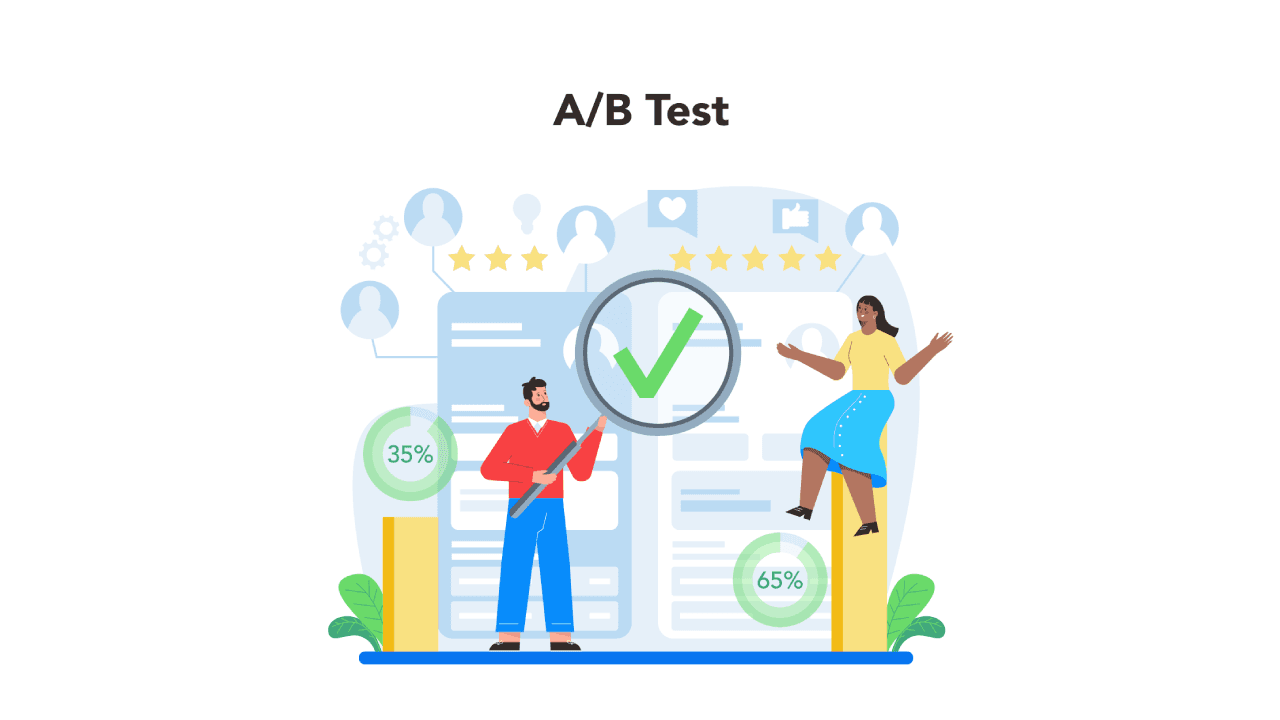
Run A/B Tests in Each Location
Within each location (or across a few), test different versions: different ad copy, different images or videos, different offers, different CTAs, and different landing pages. See what hits.
Shift Your Budget Based on What’s Actually Working
Not all locations are gonna perform the same. That’s just reality. As the data starts coming in, put more money behind the areas that are actually delivering results and stop throwing cash at the ones that aren’t.
If one neighborhood is crushing it with conversions, throw more budget at it. Maybe even increase your bids to dominate that area. But if another spot is just draining your wallet with barely any sales or foot traffic to show for it? Kill it. Pause the campaign there or slash the budget way down.
Wrapping Up
As you begin building more location-aware campaigns, having the right tools makes all the difference. That’s where Sparkum becomes your biggest edge. We can help you turn insights into action without the complexity or guesswork.
Because when you target smarter, not broader, every post becomes more powerful. And every campaign becomes an opportunity to show up exactly where your audience needs you most.
Ready to launch your first geotargeted campaign? Try our social media management tool today and see the difference precision makes.