





As a social media manager, you already know the best campaigns aren’t just about posting great content. It’s also about having your workflow dialed in. Coordinating calendars, tracking what’s working across different platforms, getting buy-in from stakeholders who all have opinions... it can feel like herding cats.
A solid social media tool turns that chaos into something you can actually manage.
In this article, we’re breaking down what actually makes a social media tool worth using for teams and brands. By the end, you’ll know exactly what to look for when picking a tool that works for both the creative stuff and the business side of things.
Let’s get into what separates good social media tools from great ones for teams.
Why Teams Need Dedicated Social Media Management Tools
The Multi-Platform Challenge
Most brands are trying to keep up with six or eight different social platforms at once.
It’s exhausting because you’re doing the same stuff over and over on each platform. Your numbers are all over the place, and honestly? It’s way too easy to accidentally post something twice or completely miss a comment.
A centralized dashboard just puts everything in one place. No more having 47 tabs open and forgetting which one is which, so you can actually see all your channels without losing your sanity.
Collaboration Complexity Without Proper Tools
When you’ve got creators, designers, and managers all jumping into the mix, things get messy fast. Without a solid system, you’re basically living in “spreadsheet hell” and endless email chains.
It’s a total nightmare for version control. Feedback gets buried, nobody knows which draft is the final one, and your best posts get stuck in “approval limbo” while the trend passes you by.
For agencies or big teams handling multiple brands, it’s even tougher. Trying to keep every client’s voice separate while keeping an eye on the big picture is nearly impossible using just the basic apps. You need a real workspace that actually lets you scale without the chaos.
What Teams Really Need From Social Media Tools
Choosing a social media tool is about finding the “glue” that keeps your team from falling apart. You don’t just need a post-scheduler; you need a home base where everyone can plan, approve, and track results without the constant back-and-forth.
Role-Based Permissions and Access Control
Not everyone on your team needs access to everything, and a good tool gets that. Content creators need to be able to post, managers need to approve content, and your CEO probably just wants to check the reports without accidentally publishing something at 2 AM.
The better platforms let you get really specific with who can do what. Let’s say you’ve got a freelancer working on just one client’s account. You can give them access to only that brand while your internal team has the keys to everything.
This keeps people from posting things by accident, protects your sensitive info, and makes it crystal clear who’s responsible for what.
Setting up admin vs. editor roles helps you:
Keep your brand assets safe
Make sure only the right people can hit publish
Let external reviewers see drafts without giving them the keys to the kingdom
It’s all about keeping things secure and organized without making everyone feel locked out.
Shared Content Calendars and Visual Planning

A visual content calendar is basically a bird’s-eye view of your entire social life. When you can see your Instagram grid right next to your LinkedIn and Facebook posts, everything just clicks. It makes it so much easier to:
Spot holes in your schedule
Catch double postings
Make sure you aren’t accidentally saying two different things on different apps
The good ones let you drag and drop posts around to reschedule them, color-code by campaign or content type, filter by platform or who’s working on what, and even flag when you’re about to post the same thing twice. Some will straight-up tell you the best times to post based on when your people are actually paying attention.
The biggest win? Everyone’s looking at the same calendar. No more version control nightmares or “wait, which doc are we using?” When there’s one place everyone checks, coordination just clicks.
Internal Commenting and Feedback Systems
Social media teams are collaboration machines. That means good internal communication features matter just as much as being able to actually post stuff.
Instead of jumping between Slack, email, and your browser, your team can just drop comments and feedback directly on the posts or drafts themselves. You can assign specific tasks and track exactly where everything stands.
Keeping it all in one spot means you can finally ditch the extra project management tools. Plus, you get a clear history of every decision made. When a new person joins the team, they can just look back and see the “why” behind the work without you having to explain it all over again.
Scheduling and Multi-Platform Publishing
Scheduling is the bread and butter of social media, but it works best when the whole team is involved. A good visual calendar and approval flow mean everyone knows what’s going live and who’s responsible for it.
The best part? You don’t have to rebuild the same post four times. These tools can publish to a bunch of different platforms at once. Modern scheduling tools let you “cross-post” while still making sure the content looks native to where it’s landing.
Cross-Platform Performance Dashboards
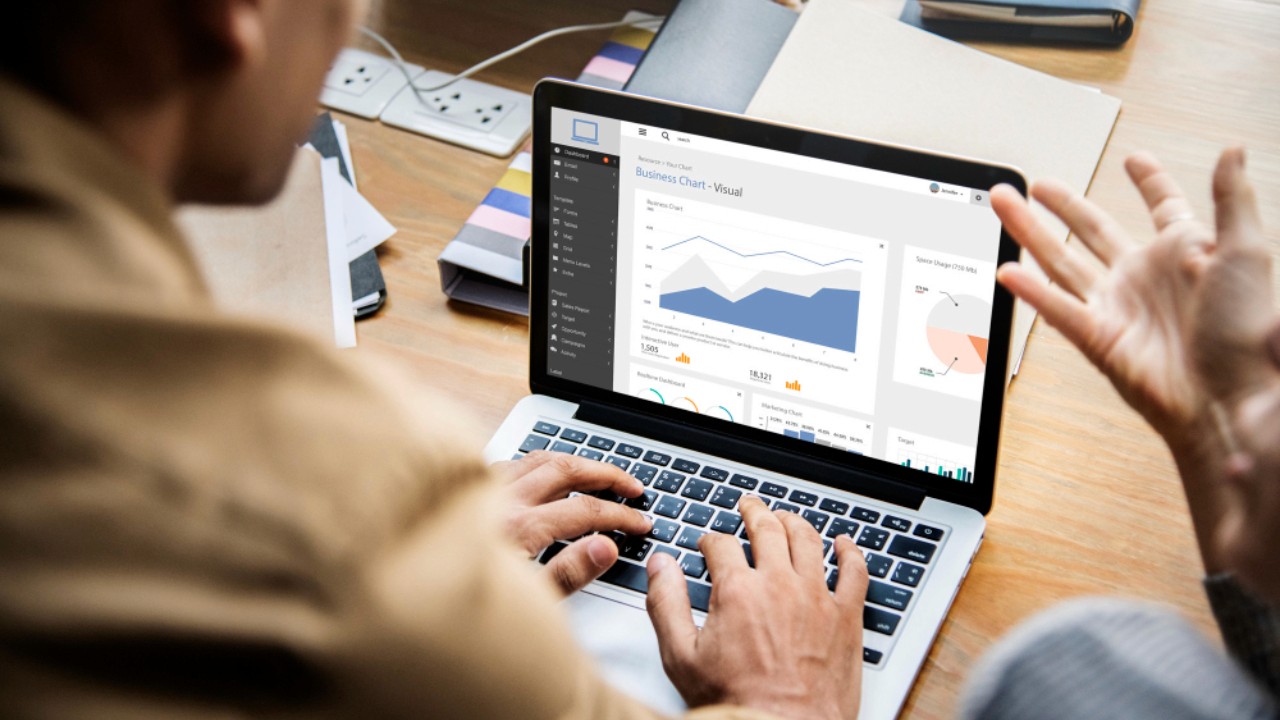
Unified analytics dashboards pull all your performance data into one place instead of making you jump between six different platform analytics pages. No more logging into Instagram Insights, then Facebook, then LinkedIn, then losing track of where you saw that one stat you needed.
Real-time updates mean you can actually react when something’s happening. If a post is blowing up or totally tanking, you can dig into why right away and adjust.
The best tools give you:
Cross-platform performance dashboards
Custom reporting templates
Comparison analytics
Platforms like Sparkum are really strong here with real-time insights, so you can see what’s actually working. See your best and worst performing posts side by side, compare engagement, reach, and audience data to understand what drives success and what needs improvement.
Unified Social Inbox for All Interactions
Managing engagement across platforms can feel like juggling flaming torches, especially when you’re responding to comments, mentions, and DMs on multiple accounts at once.
Modern tools pull this all together:
Unified inboxes collect everything in one feed
You can assign messages to specific people
Automation sends comments to the right person automatically
This means no customer gets ignored, and you can actually set expectations around response times.
For agencies and brands, this also helps you track audience sentiment and handle crises before they blow up.
Sentiment Analysis
You shouldn’t have to dig through thousands of comments to find the one person who’s actually upset about your brand or product. The system automatically flags the mood of incoming messages, positive, negative, or neutral, so you can jump on the urgent stuff first.
If a negative comment comes in from a big account or a verified user, you’ll get an alert immediately so you can handle a potential crisis before it blows up.
Response Templates and Saved Replies
Stop retyping the same three answers all day. You can build a library of saved replies for the usual questions (return policies or store hours) and get back to people in seconds. To keep things from feeling cold, you can use “placeholders” that automatically pop in the customer’s name or order number.
Data Protection and Privacy Controls
When it comes to security, we’re talking more than just a strong password. You get features like Two-Factor Authentication (2FA) and Single Sign-On (SSO) to make sure only your team gets in.
A good tool should also take privacy seriously. It should make sure your data stays where it’s supposed to (like staying GDPR compliant) and keep everything encrypted.
Conclusion
Think of a good social media tool as your team’s command center. It’s there to handle the boring, manual stuff, like jumping between tabs and copying/pasting data.
Whether you’re running one brand or a whole agency, having everything in one place (calendars, assets, and analytics) just makes life easier.
If you need an all-in-one social media management tool for teams and brands, Sparkum is exactly what you need! We’re launching soon! Want to be the first to see it? Join our waiting list here.