





Ever feel like you finished the workday but have zero clue where the time actually went?
Social media management is a lot. One minute you’re writing a caption, the next you’re knee-deep in analytics or rage-googling why the algorithm changed on you again. The to-do list never really ends. But breaking things into daily, weekly, and monthly habits? That’s what keeps it from completely taking over your life.
Most guides online give you basic checklists. Reply to comments. Schedule posts. Check analytics. But without some kind of system, it all piles up fast. This guide breaks down what actually matters (and what you can probably let go of) so you can build a routine that doesn’t make you want to quit by Wednesday.
Why You Actually Need a Social Media Schedule
Social media management feels chaotic because, honestly, it is. You’re creating, posting, replying, analyzing, and somehow also keeping up with three different algorithms, all at once. A schedule won’t make it calm, but it’ll stop it from spiraling. Here’s what having one actually gets you:
1. The important stuff stops getting buried. Without a system, you’ll burn 45 minutes tweaking a caption and completely forget to check last month’s analytics. A schedule keeps the work that actually matters from getting eaten by busywork.
2. Makes your brand look alive. Inconsistent posting, slow replies, random gaps in engagement, even if your content is great, these things make your brand look like nobody’s home.
3. Turns gut feelings into actual data. When you’re doing the same tasks on repeat, the data starts to click. That’s how you stop saying “I think Reels are doing pretty well” and start saying “our Reels pulled 34% more reach than static posts over the last 90 days.”
Daily Social Media Tasks You Shouldn’t Skip

Daily tasks are the heartbeat of your whole operation. They’re what keep your brand alive, responsive, and actually present. Skip them for even one day, and things pile up fast.
1. Check and Respond to Comments, DMs, and Mentions
So, first thing every morning (yes, before coffee), open your social inbox. Community management waits for no one, and a comment sitting unanswered for 24+ hours can quietly tank a relationship or turn into a very public customer service mess.
How to prioritize responses:
Tier 1 (respond within 1-2 hours): Direct complaints, product questions, influencer interactions, anything time-sensitive.
Tier 2 (respond within 4-8 hours): General positive comments, content questions, community threads.
Tier 3 (respond by the end of the day): General reactions, casual positive engagement, low-stakes mentions.
2. Monitor Brand Mentions and Social Listening Signals
Social listening is often positioned as a strategic, long-term activity.
But at the end of the day, it’s also just something you need to do daily. People are out there every day talking about your brand, your competitors, and your industry. But if you’re not tuned in? None that matters. With social listening tools, you can set up alerts for:
Your brand name and variations
Your key product or service names
Your top competitors’ names
Industry-relevant hashtags and trending keywords
3. Publish or Verify Scheduled Content
Are you managing more than two platforms? A scheduling tool like Sparkum isn’t optional. It’s just part of the job.
But scheduling something doesn’t mean it’s done. You still need to make sure everything actually went live the way it was supposed to. Every morning, run through this quick check:
Did all scheduled posts actually publish?
Are the links working?
Does the content still make sense given what’s happening in the news today?
Are the hashtags still relevant?
Weekly Social Media Tasks You Shouldn’t Skip
If daily tasks keep your brand alive and present, weekly tasks are what keep it smart. These are the tasks where you step back from the day-to-day and actually check if what you’re doing is working.
1. Review Your Weekly Analytics and Performance Metrics
Once a week, ideally at the start or end of your work week, sit down with your analytics dashboard and go through the last seven days. This isn’t a quick scroll. Block out 30 to 60 minutes and actually look at it. Key metrics to review:
Reach and Impressions
Engagement Rate
Follower Growth
Response Time and Rate
Website Traffic from Social
2. Plan and Schedule Next Week’s Content Calendar
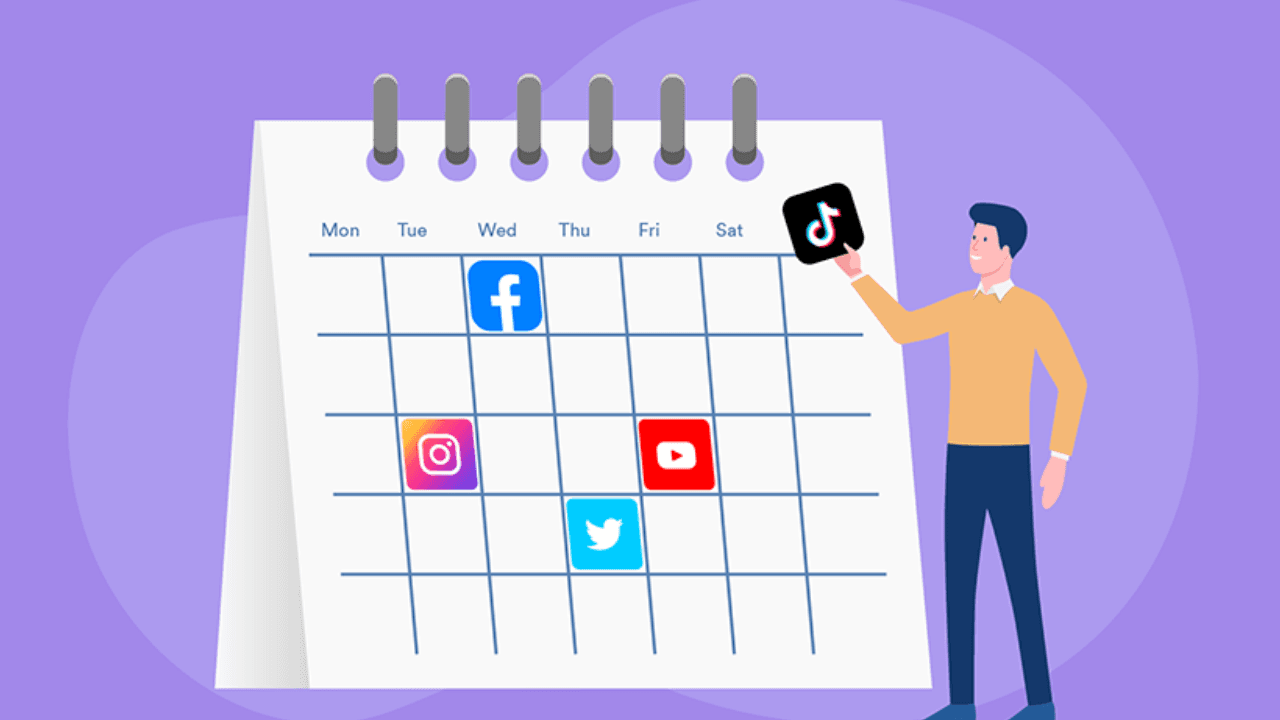
Many social media managers do their content planning monthly, which makes strategic sense but leaves too much room for execution gaps as real-world events shift priorities. A weekly content planning session allows you to:
Incorporate trending topics and recent news into next week’s content
React to the performance of this week’s posts (if a Reel format crushed it, can you replicate the structure?)
Ensure your team’s designers, writers, and videographers have enough lead time to produce assets
A recommended weekly content planning workflow:
Look at what performed best this week.
Pick one or two formats worth repeating or building on.
Map next week’s posts to your content pillars: educational, entertaining, promotional, or community-focused.
Assign creation tasks to whoever’s handling them, with actual deadlines.
Get everything approved and scheduled before the week kicks off.
The goal is to start every Monday with next week’s content already done. That’s how you avoid the scramble where your team’s rushing to fill gaps with whatever they can throw together at the last minute.
3. Conduct a Competitive Analysis
A weekly competitive review doesn’t need to take long. Twenty to 30 minutes is enough to gather significant intelligence. The goal is to understand what your competitors are posting, how it’s performing, and what that tells you about audience preferences in your shared niche.
Look for:
Content formats: Are they leaning into video? Carousels? Text-only posts on LinkedIn?
Posting frequency: How often are they publishing, and on which platforms?
Engagement patterns: Which of their posts are getting the most comments and shares? What type of content is driving that engagement?
Campaign activity: Are they running any visible paid promotions or brand collaborations?
Monthly Social Media Tasks You Shouldn’t Skip
Monthly tasks are where you actually zoom out. This is less about execution and more about asking the bigger questions:
Is the strategy working? Are your goals still the right ones? Are your tools actually helping your team or just adding noise?
1. Do a Proper Monthly Audit
Your weekly check-ins track short-term trends. The monthly audit is where you look at 30 days of data all at once and start seeing what’s actually driving results.
2. Revisit Your Goals and KPIs

A lot of brands set KPIs at the start of a quarter and don’t look at them again until it’s over — by which point the goals are either way too easy, totally irrelevant, or impossible for reasons nobody saw coming.
Checking in monthly fixes that. Each month, ask yourself:
Did you hit last month’s targets? By how much?
Were those even the right targets, given what the business was actually going after?
Has anything shifted that should change your focus?
Are you measuring things that actually reflect what you’re trying to do?
A solid framework links your KPIs to one of four outcomes: brand awareness (reach, impressions, share of voice), engagement (comments, saves, shares, DMs), traffic (click-throughs, referral visits), and conversion (leads, sign-ups, purchases). Your monthly targets should touch all four — not just the numbers that look good in a screenshot.
3. Update Your Content Strategy
Your content strategy shouldn’t just sit in a Google Drive folder nobody opens. It should actually change as you learn more based on what’s performing, what your audience is responding to, and what the platforms are doing.
Every month, work through these questions:
What’s overperforming, and how do you do more of it?
What’s underperforming? Is it the format, or just how it was executed?
Did any platform algorithm changes happen this month that you need to adjust for?
Are there new features or formats you haven’t tried yet, like new TikTok tools, LinkedIn video updates, whatever Instagram just dropped?
Is your brand voice still consistent across platforms and across everyone on the team?
This is also a good time to update next month’s content calendar so it actually reflects what you just learned.
Conclusion
What does your current workflow actually look like? Do you run a tight system or mostly put out fires as they come? If this guide was useful, pass it along to your team.
And if you’ve ever felt like you’re drowning in content calendars, approvals, analytics, and engagement across five different platforms at once, you’re not alone. That’s exactly why we’re building something new.
It’s called Sparkum: a social media management tool built for modern teams, small businesses, and so much more. No more juggling a dozen tabs. No more guessing what’s working. Just one system that actually makes sense.
We've already launched with Facebook, Instagram, Threads, and TikTok. Free to start. Paid plans from $9.99/mo.