Dashboard Pages
Engagement Page
Manage all comments and messages from your connected platforms in one place.
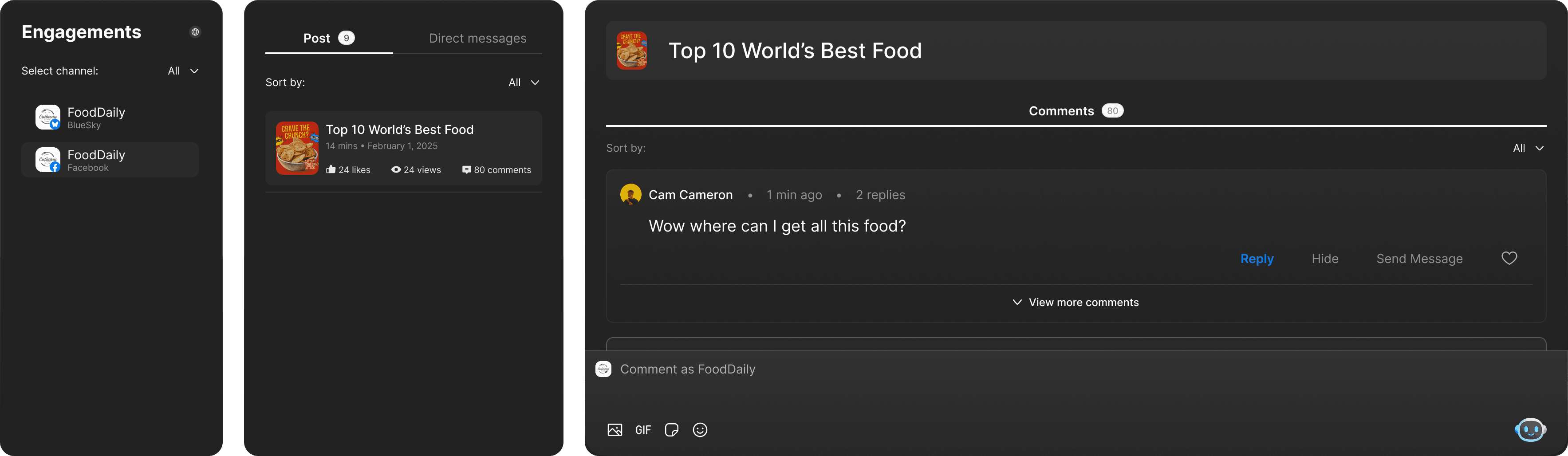
Viewing Comments
Select a channel from the left sidebar to see all posts. Click a post to view its comments. Comments show the author, profile image, timestamp, likes, and text.
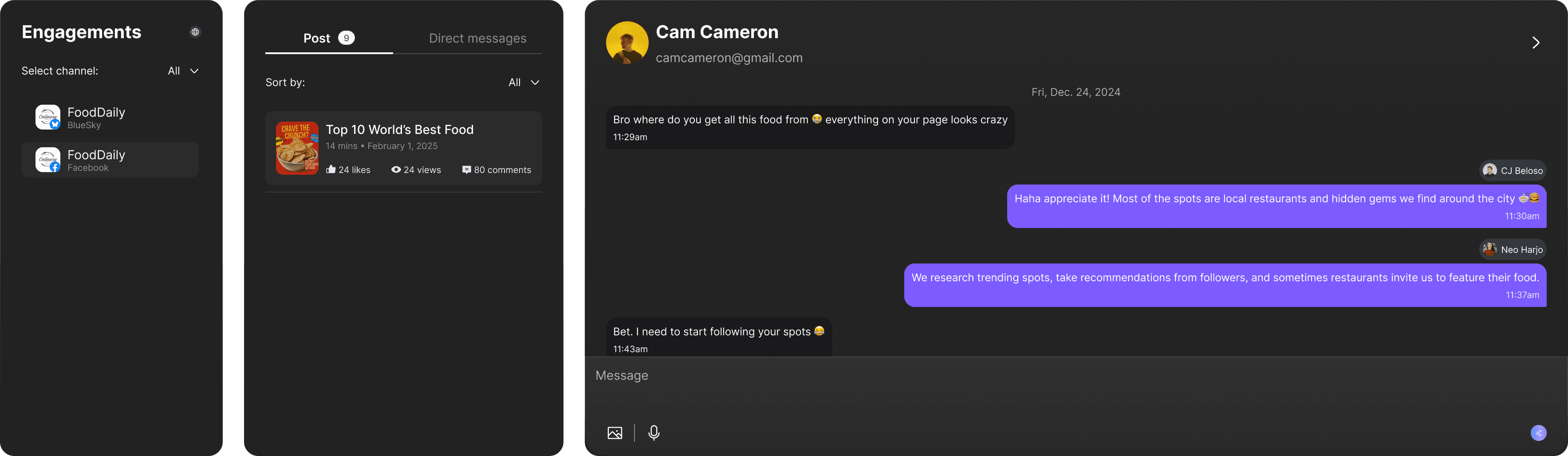
Responding to comments
Click "Reply" on any comment to respond. Type your reply and submit - it posts directly to the platform. For Instagram, you can also delete or hide comments.