Dashboard Pages
New Post
Click "New Post" in the header or sidebar to open the post creation modal. The interface has three columns: channel selection, media upload, and platform settings.
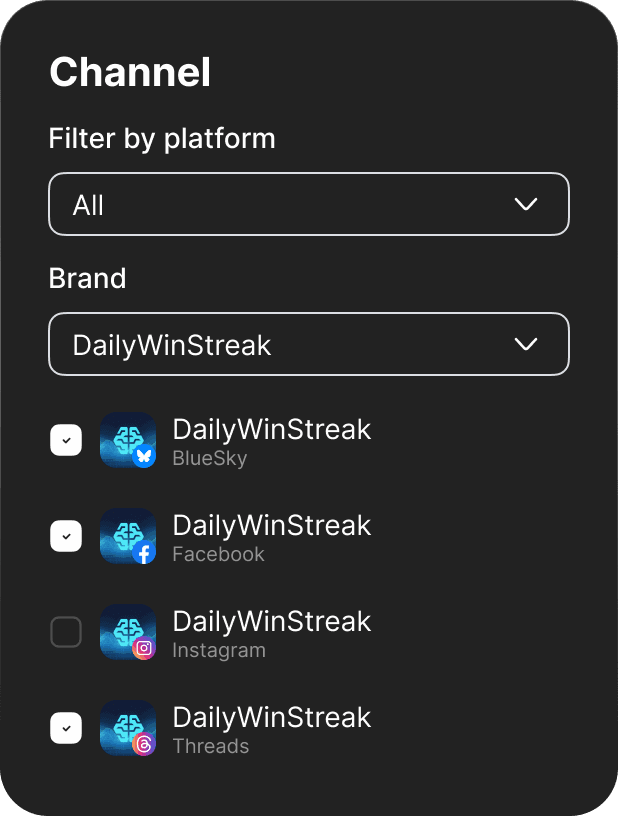
Selecting Channels
Check the boxes next to channels you want to post to. Channels are organized by brand. Select multiple channels across different platforms. Channels needing reconnection show a warning icon and can't be selected.
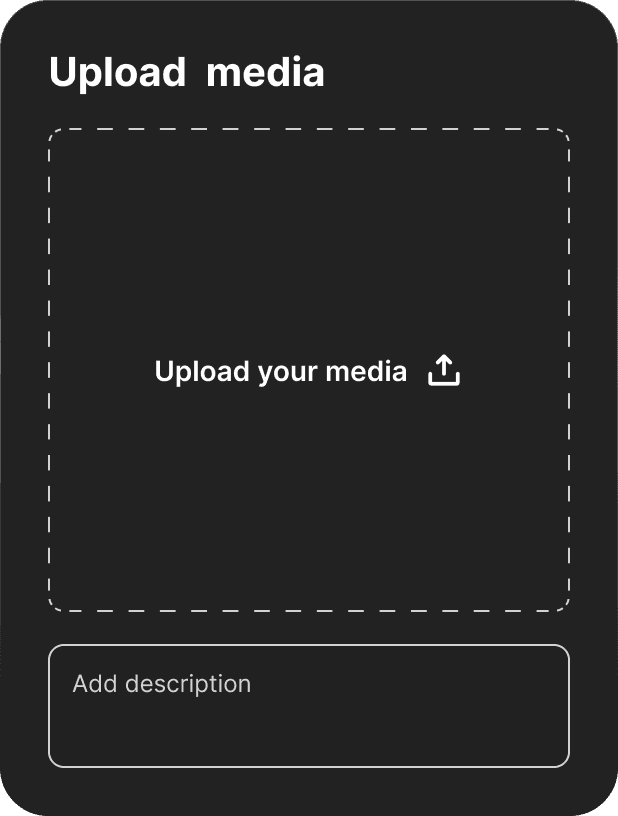
Uploading Media
Drag and drop files into the upload area or click to open a file picker. Supported formats: JPG, JPEG, PNG for images, MP4 for videos. File size limits: Instagram Reels up to 300MB, Facebook Page up to 4GB.
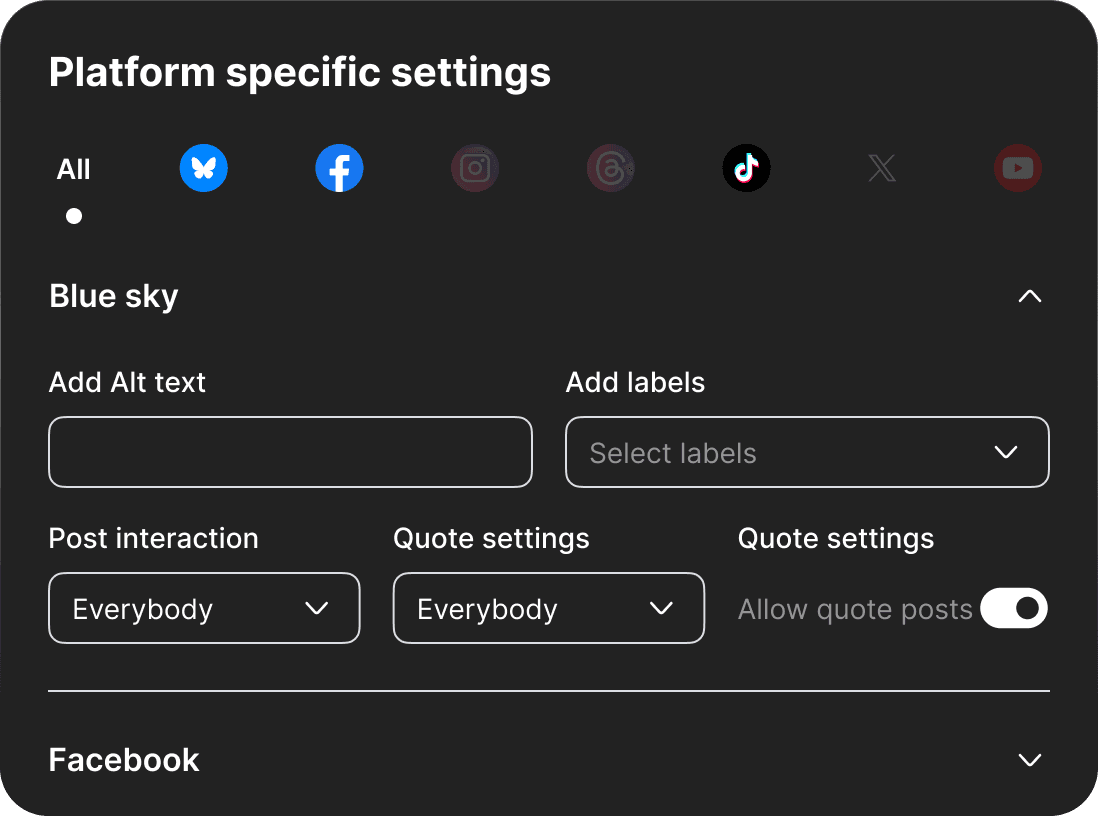
Titles & Descriptions
Enter title and description in the content fields. Use the "All" tab to set default content for all platforms, or switch to platform-specific tabs (Instagram, TikTok, etc.) to customize. Character limits: Instagram 125 title/2200 description, TikTok 150 title/2200 description. The interface shows character counts as you type.
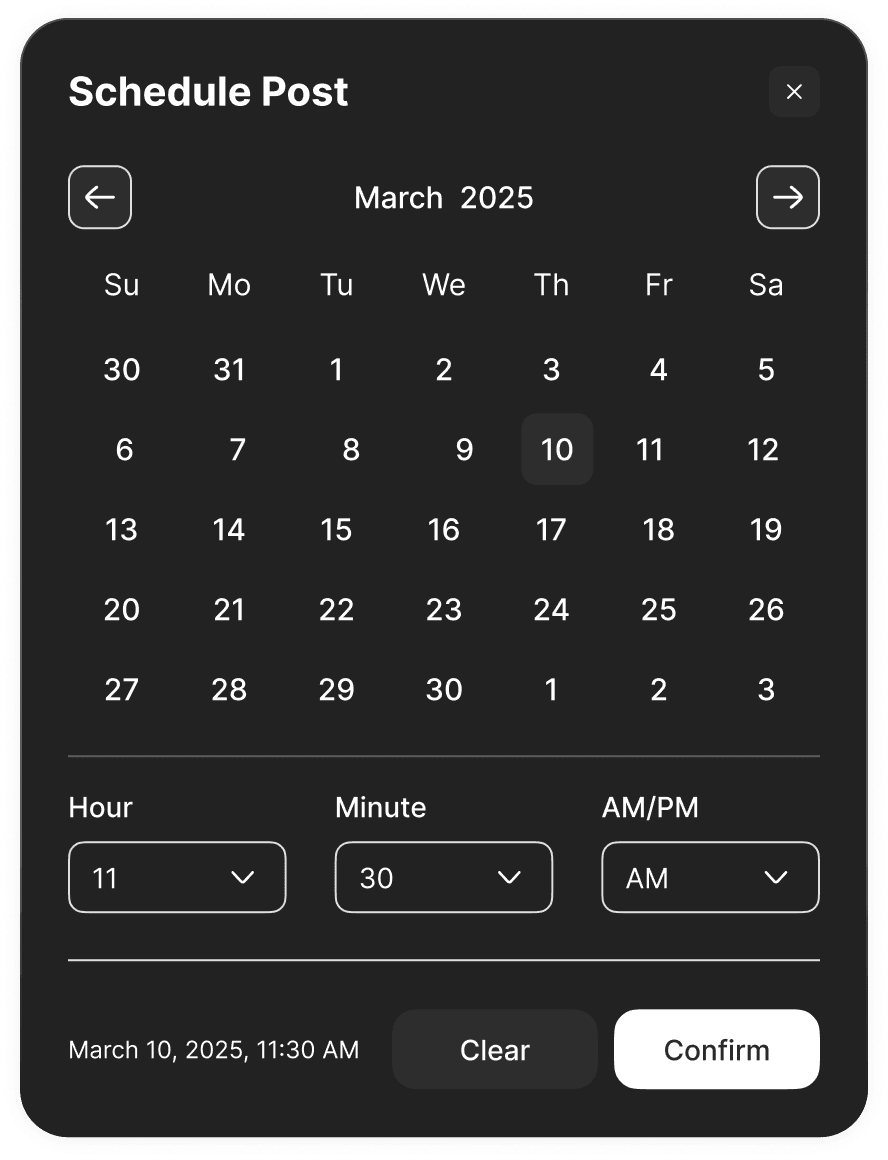
Scheduling
Click the calendar icon to open the date picker. Select a future date and time to schedule your post. Scheduled posts publish automatically at the specified time in your account timezone.

Publishing
Click "Publish" to post immediately to all selected channels, or "Schedule" if you've set a future date.